AI TRAINING · WEBSITES · YOUR OWN AI AGENT

Flexible work,

We help you use AI in your everyday work. We train you, build your website with you and set up an assistant that understands your business. We work in a way that leaves you ready to carry on independently.

Training in English, Estonian and Russian.

WORKFLOW REVIEWTRAININGAI ASSISTANTS

FIND YOUR STARTING POINT

What would you like to change at work?

Start with your needs. Choose a topic to see how we can help.

01

AI for everyday work

For you ifyou or your team want to use AI with more confidence.

What you take awayMethods and instructions tested on your own tasks, so you can keep going independently.

What we do together

We choose real tasks from your work, practise giving instructions and checking answers. Sessions can be individual or with your team.

What you can do afterwardsUse tested instructions and templates for the agreed tasks and assess the quality of AI responses.

Explore training
02

A website for your business

For you ifyou need a new website and want to be able to update it yourself.

What you take awayA website built together and the skills to keep its content up to date.

What we do together

We define the purpose, structure and content of your site. We build the agreed pages, test mobile layouts and the enquiry form, and practise making updates.

What you can do afterwardsUpdate content through the agreed workflow. We separately agree on responsibility for publishing, access and maintenance.

Explore website creation
03

Less repetitive work

For you iffinding information or repeating the same steps takes too much time.

What you take awayAn assistant or automation tested for an agreed task, with clear instructions and someone responsible for it.

What we do together

We map one recurring task, choose the necessary sources, and build and test a solution. We agree on access and the steps that need human approval.

What you can do afterwardsRun the agreed workflow, check the result and recognise errors. You receive operating instructions and a clear division of responsibilities.

See example solutions

We start with one clearly defined task. Before starting, we agree on scope, price, required tools and how we will check the result.

What does this look like in practice? ↗
~/ your-workspaceCHOOSE A TASK

MORE TIME FOR WORK THAT MATTERS

Which tasks can AI help you with?

What AI prepares for you

Meeting notes and agreed next steps

  • A concise summary from notes or a transcript
  • Decisions, owners and deadlines in one place
  • A follow-up email draft for participants

We teach you to give AI clear instructions and check its responses. Together, we agree on access permissions and the actions that need your approval.

AI MODELS AND ASSISTANTS

Together, we choose an AI tool to suit the work you need to do.

ChatGPTClaudeGeminiGrokMeta AI

CONNECT YOUR TOOLS

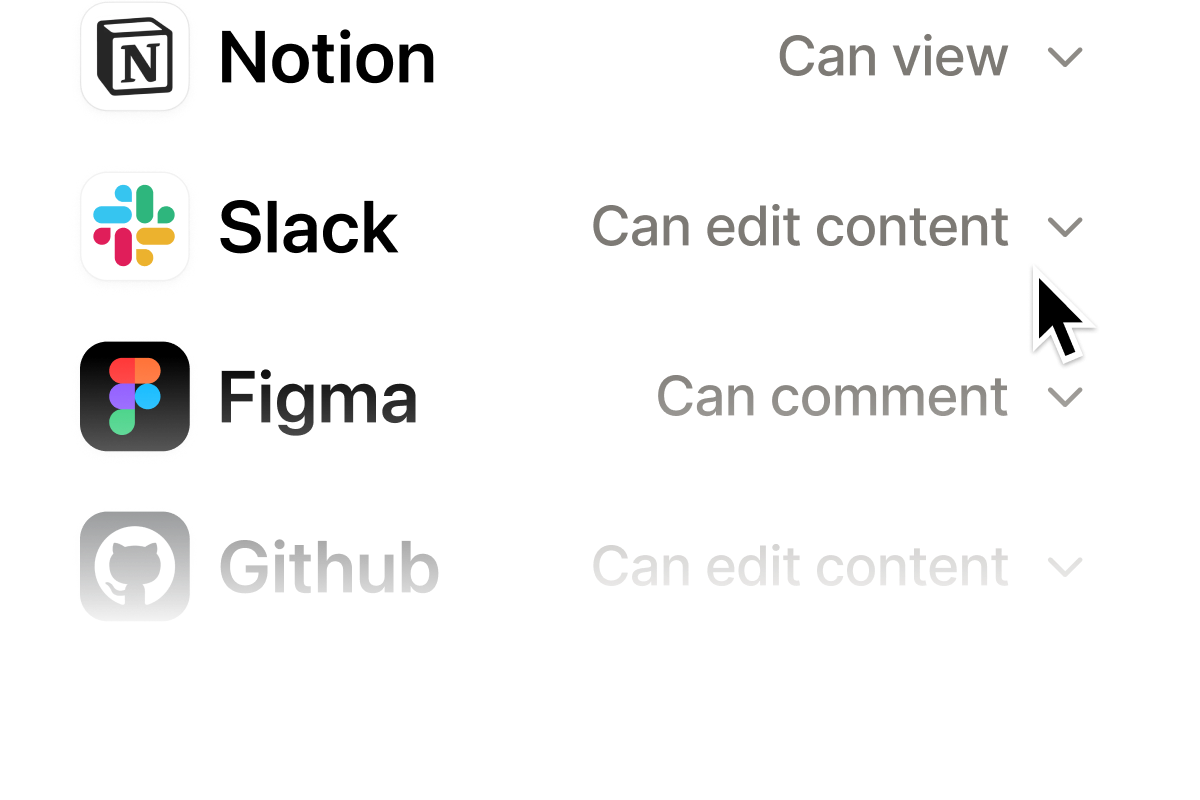
Connect AI to the tools your team already uses.

GitHubGoogle DriveMicrosoft 365GmailGoogle SheetsGoogle CalendarSlackNotionOneDriveSharePointMicrosoft TeamsDropboxHubSpotAirtableTrelloAsanaMaken8nZapierAPI integrations

We find suitable integrations and review their costs and access requirements with you.

AI IN YOUR WORKDAY

Start with a task you do every day

It could be a customer email, a document or a question your team keeps asking. Working on a real task shows you where AI helps and where your judgement is still needed.

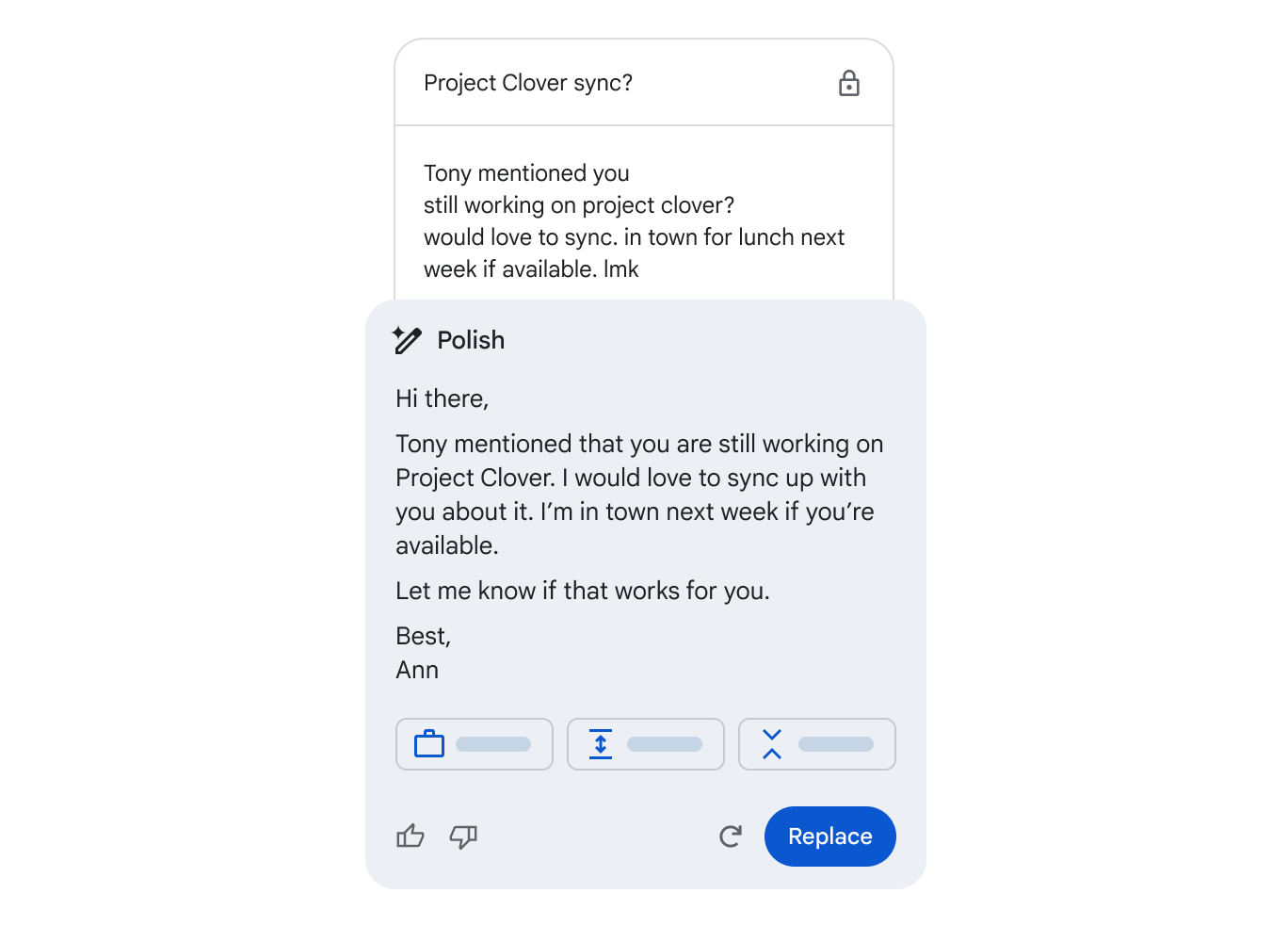
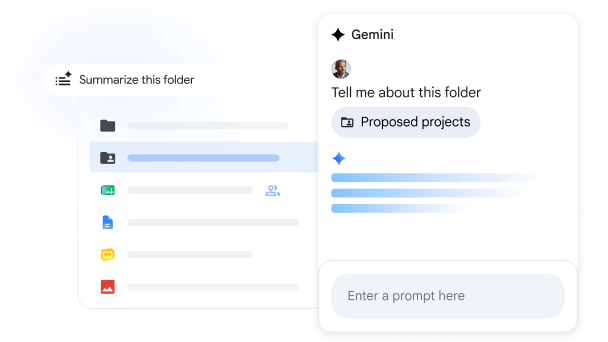
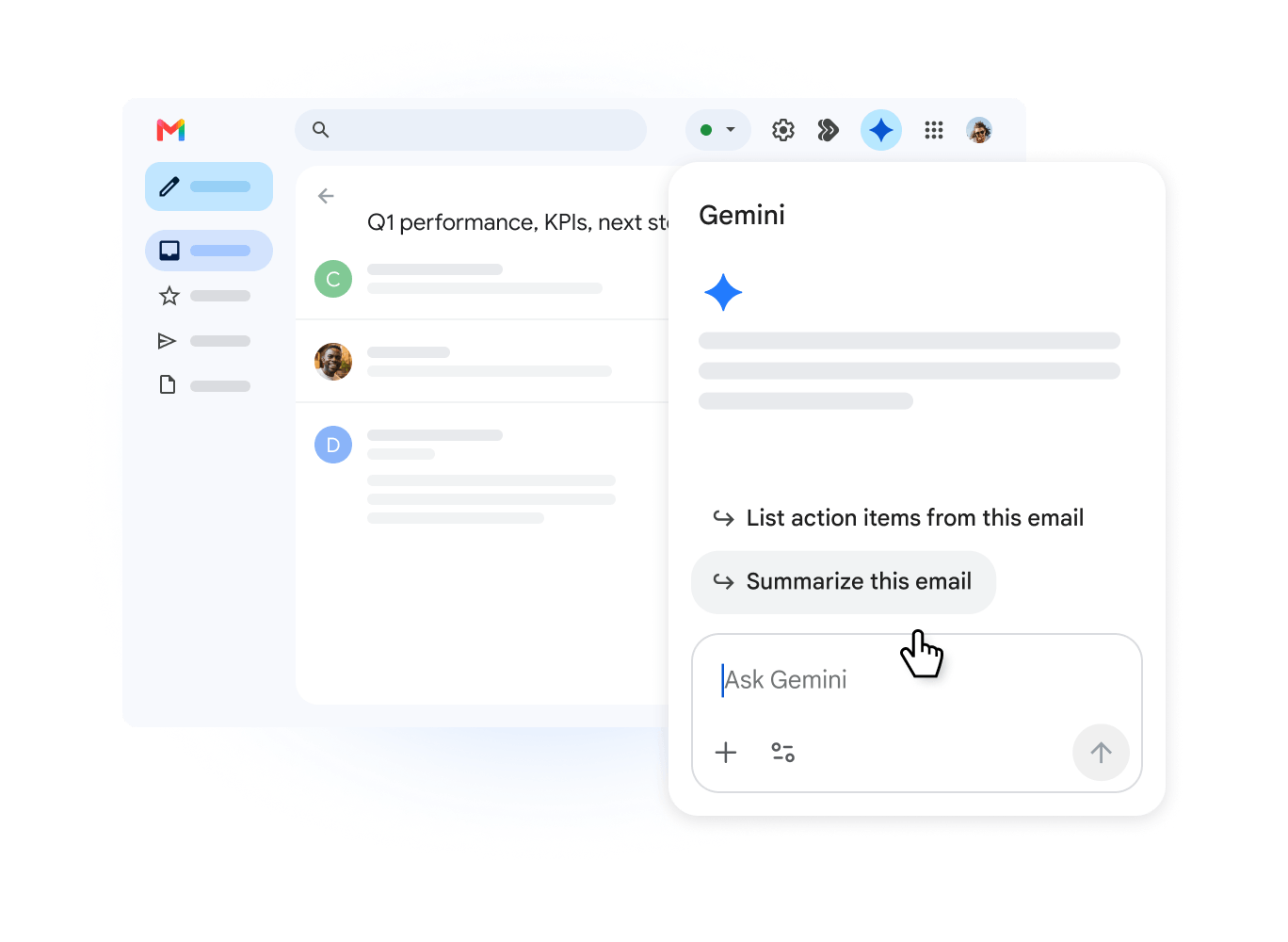
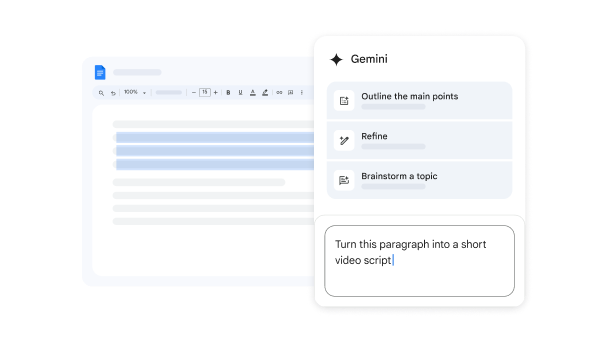
GEMINI · GMAIL: Turn a draft into a clear, polished email.GEMINI · GMAIL

Writing and editing email

AI prepares a draft. You refine it and decide what to send.

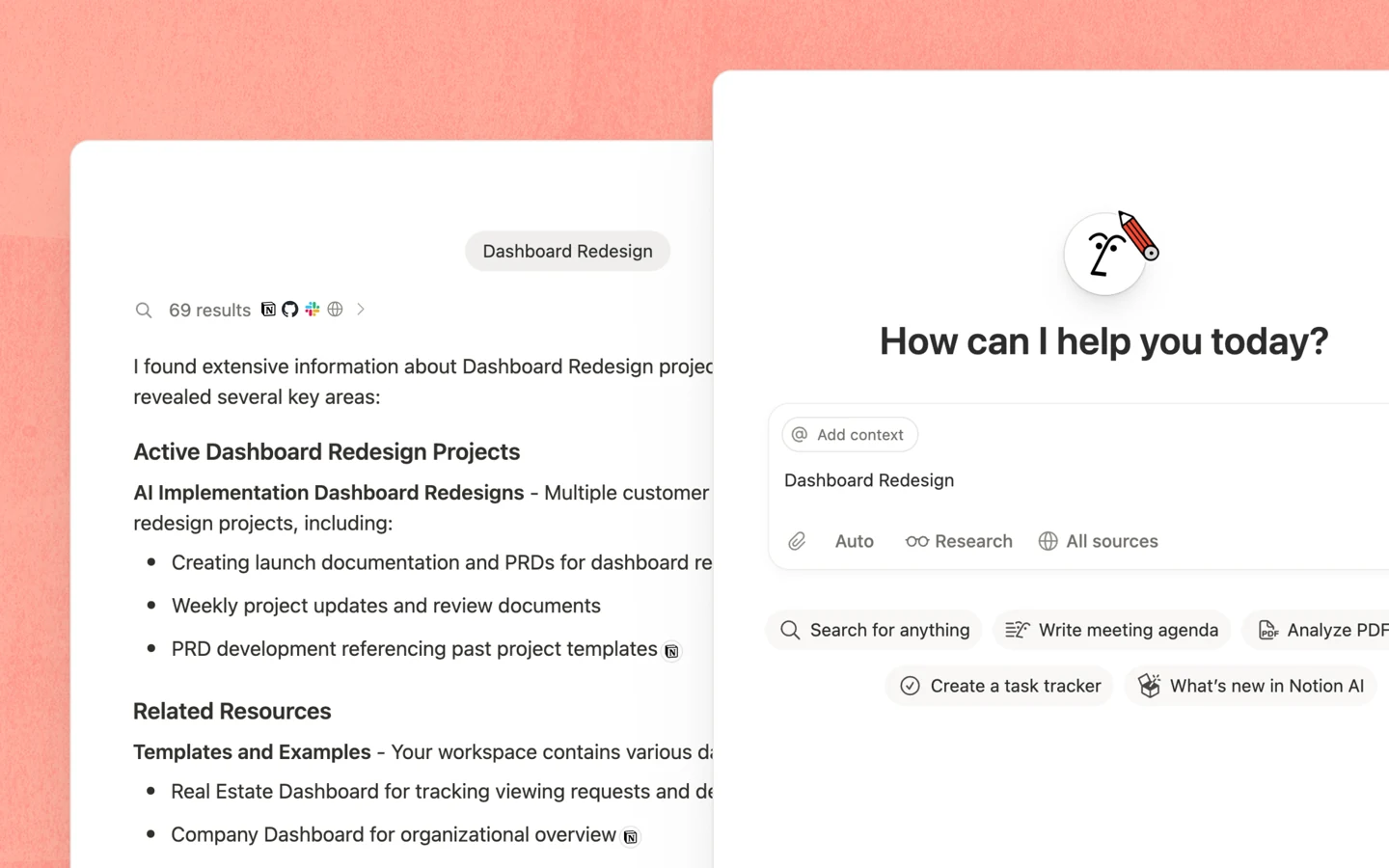
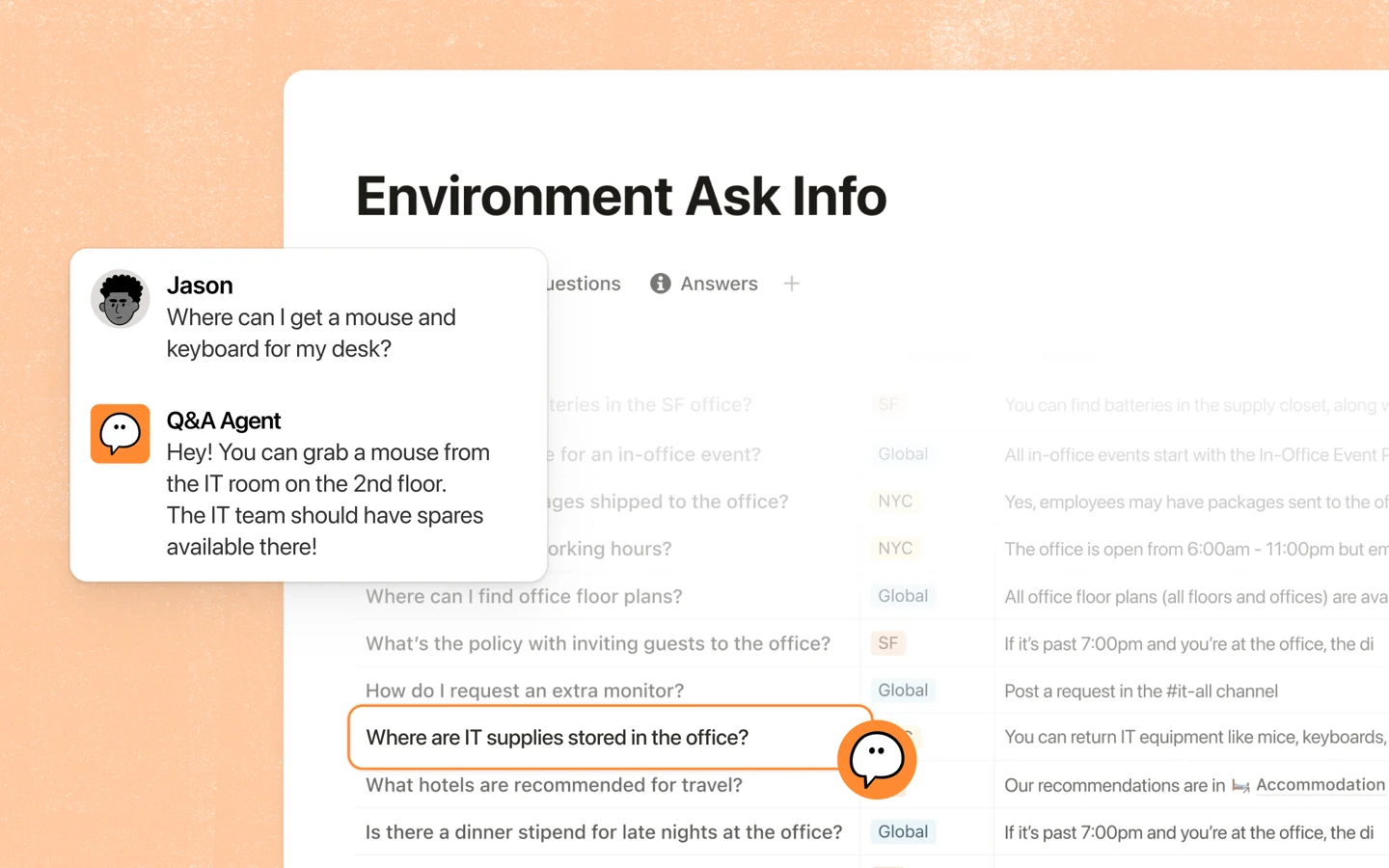
NOTION AI: Find answers in your team's materials.NOTION AI · TEAMWORK

Finding answers in your team's documents

Ask a question about your team's materials and check the answer against the source AI cites.

THE IDEA BEHIND AILITHE

Lighter work leaves
room for what matters.

Lithe means supple and flexible. We help you adapt the way you work so repetitive tasks take less time and attention, leaving more for thoughtful decisions, people and life outside work.

FLEXIBILITY

Give yourself more room to choose

You learn to decide what to do yourself and what to ask AI to prepare. That makes it easier to adapt your way of working when your needs change.

CLARITY

Make room in your mind

When agreements are written down and information is easy to find, you don't have to keep everything in your head.

PRESENCE

Choose how to spend the time you free up

Time saved gives you more choice. You decide whether to use it for focused work, for people or for a calmer working day.

How we work

Better ways of working
start with people.

First, we identify the work that needs simplifying. Then we learn and experiment with your team's real tasks, so you can see straight away what works for you.

01 / CLARITY

Understand the way work happens

Together, we review roles, information flow and repetitive work. We simplify an unclear process before deciding what to automate.

After the meeting, you have a written summary of the main bottlenecks and the tasks worth starting with.

02 / SKILLS

Learn by doing

Using your own tasks, we practise choosing a model, giving clear instructions and checking the results.

You leave the training with instructions and templates we have tested together, ready to use in your work.

03 / PUTTING IT TO WORK

Make it part of the working day

We set up the integrations you need or an assistant prototype, then test it with your team.

We also agree on who will look after the solution and improve it when needed.

What do we look at in a workflow review?

People and roles

Who is responsible for what, who makes decisions, and where do people need more time or support?

Information and tools

Where does work get stuck, and which tasks or connections are worth trying with AI?

Collaboration and culture

What already works well in your team, and how can we preserve it through change?

Next, we choose one task, agree on who is responsible and assess both the time spent and the quality of the result.

Let's talk about your team

MARKETING · WEBSITES · SYSTEMS

What could be easier
in your business?

We work out the solution with you, build it and help you put it into use. You can start with one task and connect more areas of your work later.

MARKETING

Content that sounds like you

Together, we define your brand voice and teach AI to use it, so your marketing stays consistent.

  • Brand voice, visual identity and design templates
  • Social posts, blogs and newsletters
  • SEO: keywords, content structure and website optimisation
  • Content plans, campaigns and measuring results
Explore marketing and SEO
WEBSITES

A website you can keep improving

We build your website together and teach you how to keep it up to date yourself.

  • Websites, landing pages and blogs
  • Website copy, design and user experience
  • Enquiry forms, analytics and useful integrations
  • An AI assistant for creating content and updating your website
Build a website with AI
SYSTEMS

Tools that work together

We connect your tools to reduce manual copying and repetitive steps. Important actions still need your approval.

  • AI assistants and company knowledge bases
  • Connect email, documents and your CRM
  • Data processing, reports and management dashboards
  • Automated workflows with checks and approvals
AI agents and automation

Have something else in mind? Let's work out how to build it and which tools you need.

Tell us your idea

LEARNING AND USING AI

Start where
you are today.

Our training has three levels, each adapted to your goals. We learn through your own work tasks and build the solutions you need together.

TRAINING LANGUAGES

Estonian English Русский

BEGINNER

AI in everyday work

For anyone who wants a clear starting point and practical help from AI.

  • Choosing and using a suitable AI model
  • Clear prompts and checking answers
  • Email, summaries, ideas and documents
  • Practical methods and templates for your recurring tasks
INTERMEDIATE

AI in your workflow

For people already using AI who want to connect it to their materials and tools.

  • Assistants that use company materials
  • Practical methods for marketing, SEO and content
  • Connected sources and repeatable workflows
  • Shared instructions, access and quality checks
ADVANCED

Your own agents and automation

For building your own solutions and delegating tasks with several steps to AI.

  • Code and web development with Codex
  • Agent instructions, skills and context files
  • API integrations and automation across tools
  • Testing, monitoring and improving your solutions

We work with individuals and teams. The scope is agreed around your needs.

Explore the training

EXAMPLES FROM REAL WORK

What does this look like in practice?

Our own business practice and an anonymised coaching example. We describe the work and its limits.

Our own case study

AILithe: website updates through GitHub

Starting point

Updating and publishing the website depended on working in the hosting control panel. We needed a repeatable workflow with traceable changes and checks.

What we built

We moved the website source into a private GitHub repository and set up automated publishing. We updated company details, privacy information and terms, and added a contact form that sends enquiries to info@ailithe.com.

How we check it

Each deployment builds and checks the site files, creates a server backup and compares the published files with the prepared version. Access keys are stored separately from source code.

What changed

Routine content updates reach the website from GitHub without signing in to the hosting control panel. Change history and deployment check results remain available. GitHub access still requires authorisation.

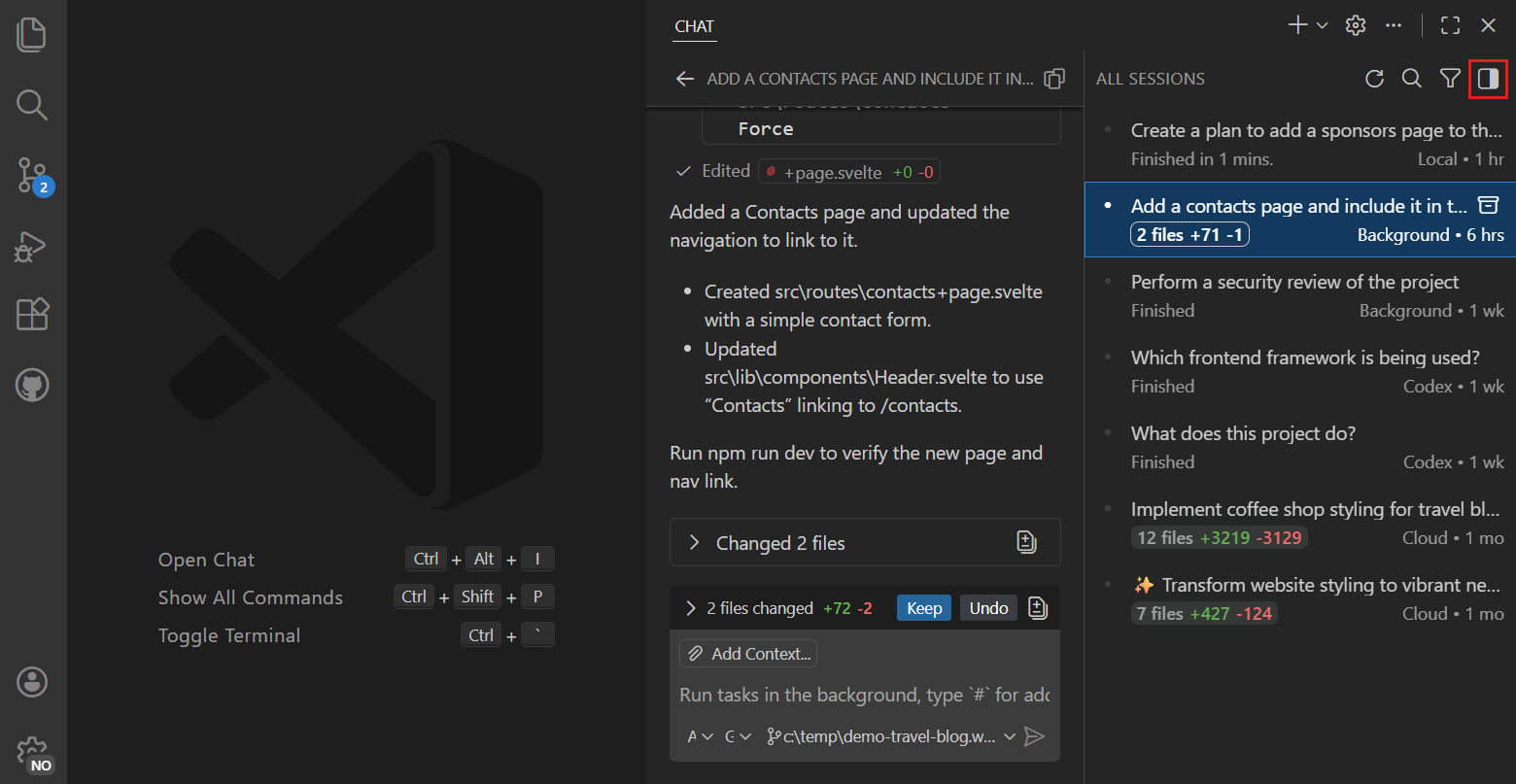
  1. Change in GitHub
  2. Checks and backup
  3. Automated publishing
  4. Live site verification

The human role: approve the content and scope, then review that the public website works as expected.

OUR BUSINESS PRACTICE · DEVELOPMENT CONTINUES

TAILBITE’S OÜ: information in one management view

We bring sales, price and invoice information into an internal management view. The solution supports refreshing sources and highlights entries needing review and missing information.

Development continues. Financial decisions and payment approvals remain with a person.

ANONYMISED EXAMPLE

Personal AI coaching: start with the way you work

In personal coaching, we have worked with a person’s own tasks and the brief for an AI work system. They received instructions for mapping their goals and ways of working, along with next steps for independent development.

This example describes the coaching and instructions delivered; it does not represent a completed automated work system.

Which task could we start with for you?

Tell us what you need ↗

BUILDING YOUR AI ASSISTANT

An AI assistant that knows
how you work

We write instructions for your assistant and choose the materials it will use. The assistant prepares the work; you review the result and decide what happens next.

01

Define the task and its context

We agree on what the assistant does, which sources it uses and what a good result looks like.

02

Choose the connections you need

Together, we decide which tools the assistant can access and which actions will always need your approval.

03

Test it on real tasks

We test the assistant in your everyday work, fix problems and teach you how to improve it yourself.

Explore the advanced level
ailithe / your-assistantEXAMPLE

// A useful assistant starts with clear context.

▾ my-assistant/
↳ instructions.md working method
↳ knowledge/ materials
↳ tools/ connections
↳ checks.md quality
› Draft a proposal based on the customer's enquiry.

01Read the enquiry and the company's service description

02Prepare a draft and flag any missing information

03 Present the result for human review

◎ Waiting for your approval
An example structure for your company's AI assistant.

ESTIMATE YOUR TEAM'S TIME SAVING

How much time could
your team free up?

Choose a level and team size. This illustrative calculation assumes 20 working days per month. Actual time savings depend on your team's tasks and the time needed to check the results.

Connect your information sources and use ready-made workflows for recurring tasks.

26 minestimated time saved per person per day

ESTIMATED MONTHLY TIME SAVED BY YOUR TEAM

43.3hours

That's 5.4 eight-hour working days.

5 people × 26 minutes × 20 working days ÷ 60

Let's discuss where your team could save time
What is the calculation based on?

In the UK government's Microsoft 365 Copilot trial published in 2025, users reported saving an average of 26 minutes a day. The trial involved 20,000 employees, with 7,115 users responding to the survey.Read the study

The calculator's 15 minutes for beginners, 26 minutes for intermediate users and 45 minutes for advanced users are AILithe planning scenarios. The intermediate benchmark comes from the study; the beginner and advanced figures are our own assumptions. The study did not measure the impact of our training levels.

We assume regular use across 20 working days a month. The result represents time freed up, not automatic financial savings. Actual savings depend on the tasks and adoption, and we assess them alongside the time spent checking, correcting and maintaining the solution.

Reference: GDS Copilot trial (2025). Savings by level are planning assumptions, not guaranteed training outcomes.

THE PEOPLE BEHIND AILITHE

Bringing systems and people together

Tõnis-Denis brings experience in management and building systems; Pille-Riin brings experience in marketing, design and team culture. Together, we make sure AI fits your people and the way they work.

Tõnis-Denis Merkuljev

CO-FOUNDER · MANAGEMENT & SYSTEMS

Tõnis-Denis Merkuljev

tonis@ailithe.com

Entrepreneur, investor and co-founder of Investeerimisklubi and Investeerimisfestival. He uses AI every day in his businesses and helps build clear work processes and the AI systems that support them.

Read more

He focuses on systems, clear responsibilities and shared decision-making, so work does not depend on one person. He connects goals with processes and metrics, and builds AI assistants and integrations that support the team.

  • Business and management
  • Finance and investing
  • Structure and responsibility
  • AI systems and metrics
Pille-Riin Vessin

CO-FOUNDER · BRAND & CULTURE

Pille-Riin Vessin

pille@ailithe.com

Brings together marketing, design and community building. Helps shape a company's voice and a culture that supports collaboration.

Read more

She helps create an environment where people can contribute, learn and take responsibility. Using AI, she connects content and marketing workflows with the company's voice, design principles and team agreements.

  • Marketing and content
  • Design and visual identity
  • Communities and culture
  • Brand voice and values
Our approach: thinking, relationships and meaning

WHAT GUIDES OUR WORK

Making room for business goals
and human needs

We look at the workplace from three connected perspectives. We believe a new way of working lasts when people understand it, take part in it and see its purpose.

Clear thinking

Thinking

Map skills, tasks and decisions. Create clear roles, share responsibility and choose measures that help people manage the work.

Understanding people

Relationships

Listen to how people experience collaboration. Consider communication styles, motivation and the feelings that come with change, so people understand and can use new ways of working.

Shared meaning

Purpose

We explore what matters to people and what they are working towards together. We connect company values with everyday choices, management and team agreements.

GOOD TO KNOW

Before we begin

Do I need to know how to code?

No. Beginner and intermediate training does not require programming skills. At the advanced level, we write code with AI and adapt the complexity to your experience.

Which AI tools do we use?

We start with your tasks and the tools you already use. We choose suitable tools for practice, such as ChatGPT, Claude or Gemini, and explore integrations where needed. We also use Codex to build code and agents.

Do we need a more expensive AI plan?

Not necessarily. Together, we review the features and usage limits you need, as well as how the service uses your data. A higher-priced plan makes sense when its additional features help with your particular work.

How do we handle company data?

We practise with sample data or appropriately anonymised materials. Before connecting real systems, we agree on which data can be used and what permissions the tool needs.

What happens after training?

You leave with examples suited to your level or instructions for a workflow we have built together, so you can put it straight to use. Longer implementation, maintenance or further development is scoped separately.

START WITH ONE TASK

What would make
your working day easier?

Tell us which task is taking too much of your time and which tools you use. Together, we'll find the most useful place to start.

info@ailithe.com

What happens after you get in touch?

  1. We clarify your needs and how you work today.
  2. Before work begins, we agree on scope, price and the expected outcome.
  3. We start with the agreed task and review the result together.
AILithe / Your details1 / 3

Your details

AILithe OÜ uses your details to respond to your enquiry. Read our privacy notice. Please do not include sensitive or confidential information.

AI FIELD GUIDE

Find your next
useful way to work.

All 20 articles